
Exam registration at MENDELU
How to register for an exam or credit slot in the exam period at every faculty (PEF, AF, LDF, ZF, FRRMS), without digging through IS. Unregistering is just as easy.
1Where do you want to register?
2Register for a slot


reIS notifies you an hour before registration opens.
In the reIS app, open Exams › Open slots.
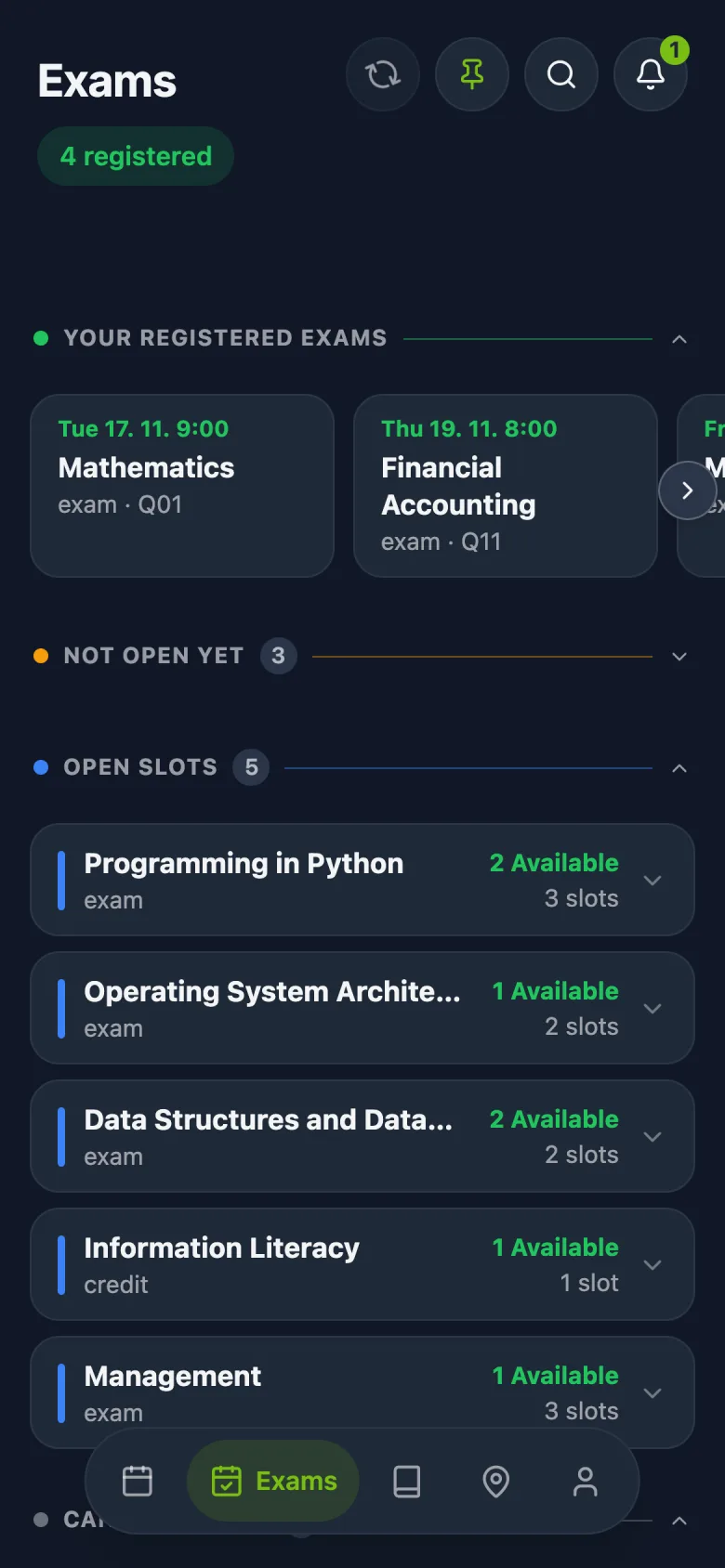
Tap a course, then Register next to a slot.
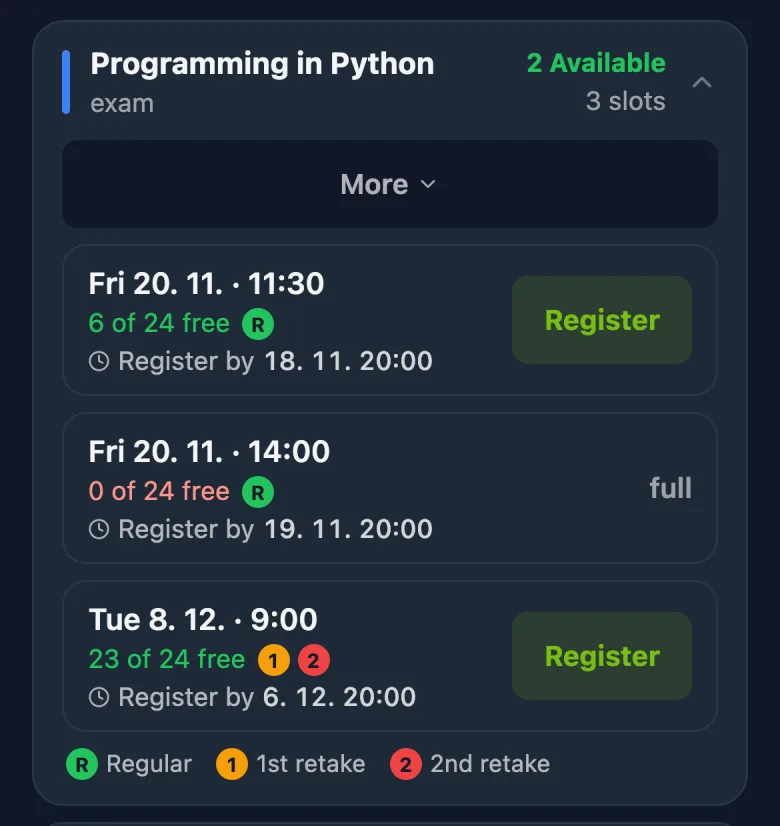
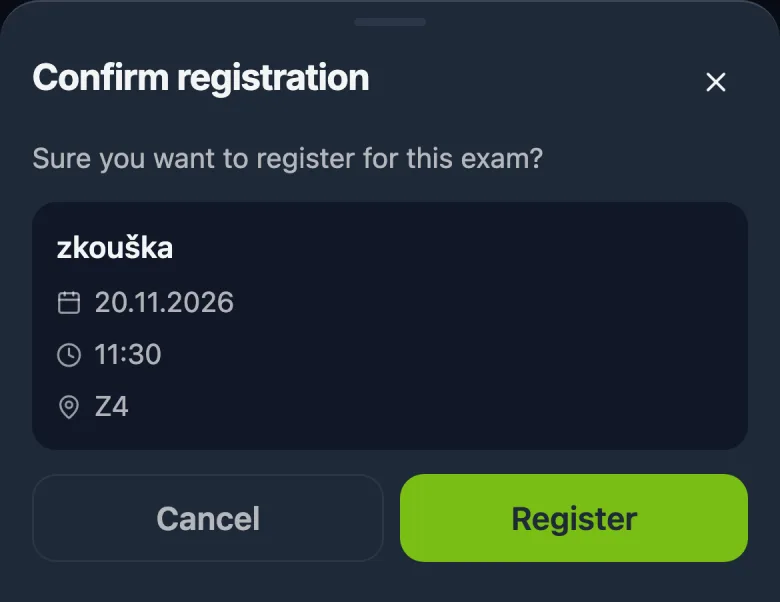
Confirm with Register.
On Firefox? Get the Firefox extension.
In reIS, click Exams on the left.
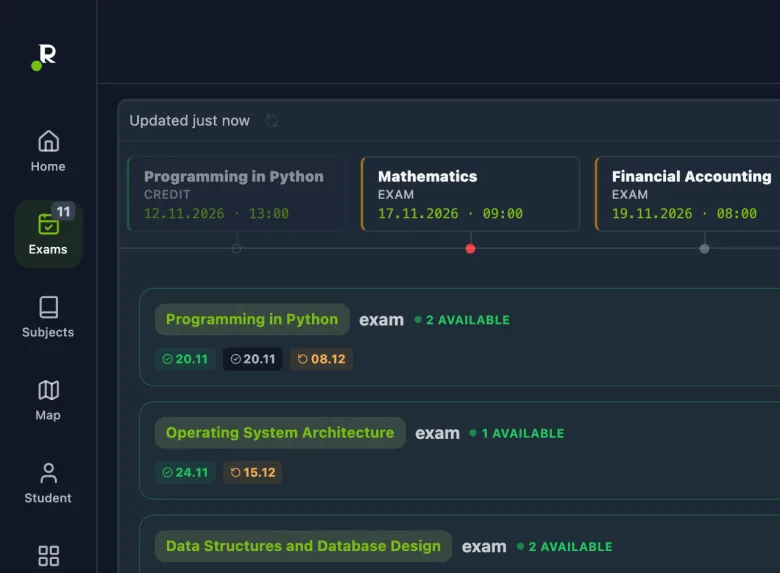
Click Select next to a course, then Register next to a slot.
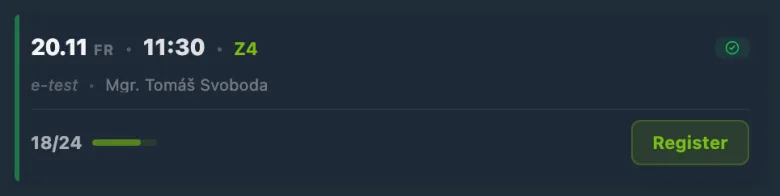
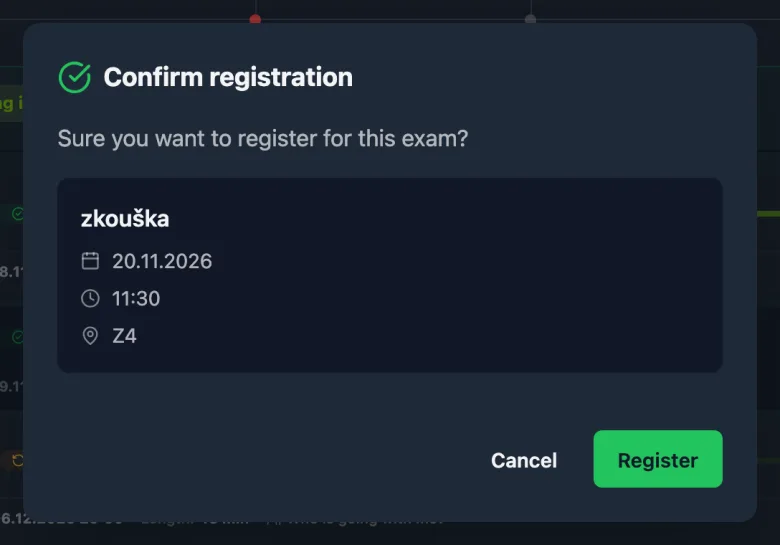
Confirm with Register.
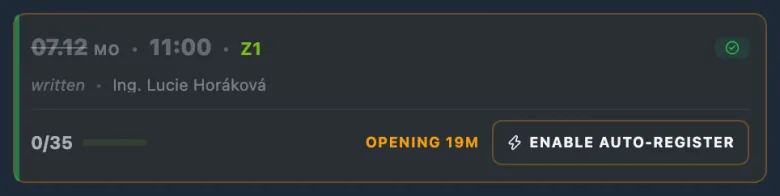
If the slot isn't open yet, click Enable auto-register up to an hour before and keep the page open.
Without reIS: the official way
- Log in at is.mendelu.cz and open the exam sign-up page (Czech: Portál studenta › Moje studium › Přihlašování na zkoušky). That page lists the exam dates for all your enrolled subjects.
- Pick a slot from the list and sign up.
- You can unregister on the same page until the unregistration deadline.
- Slots you can't sign up for are further down, under "Kam se přihlásit nemohu?" (where can't I register).
The course guarantor lists at least 3 slots, at least 2 weeks before the exam period. You get one regular attempt and two retakes. Source: MENDELU Study and Examination Regulations (Czech), art. 18, and the UIS presentation (LDF).
Can't register?
- The slot is full. Turn on the watchdog (the bell on your phone, Watch in the browser) and IS emails you when a seat frees up.
- Registration hasn't opened. reIS shows when the slot opens.
- The slot is under "Can't register". Tap Why? (Why blocked? in the browser) to see the reason from IS. Some courses need a credit before the exam.
- You're not enrolled in the course. You can only register for exams in courses you're enrolled in.
- "Register by" has passed. That slot is closed, pick another one.
- Can't make it? Unregister by the "Unregister by" date. If you don't show up and don't send a written excuse within 7 days, you're graded "did not attend".
Otherwise your faculty's study office or helpdesk.mendelu.cz.
Checked on 15 November 2026 against the MENDELU Study and Examination Regulations. reIS is made by MENDELU students; it is not an official MENDELU app.
More guides: Campus map · eduroam · Dorms · Course files and syllabus · ISIC top-up · Confirmation of study · reIS for Claude